01/01/2026, 10:00 AM
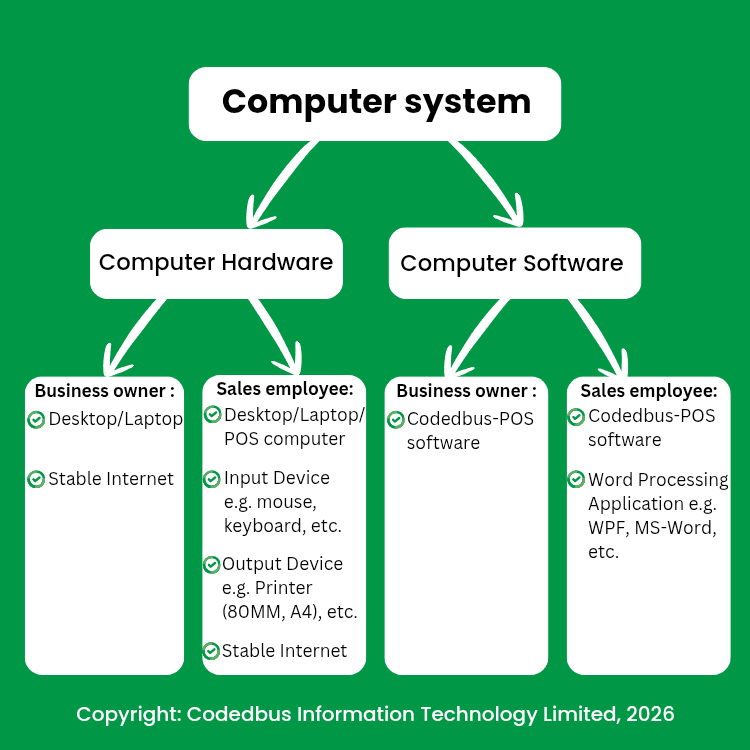
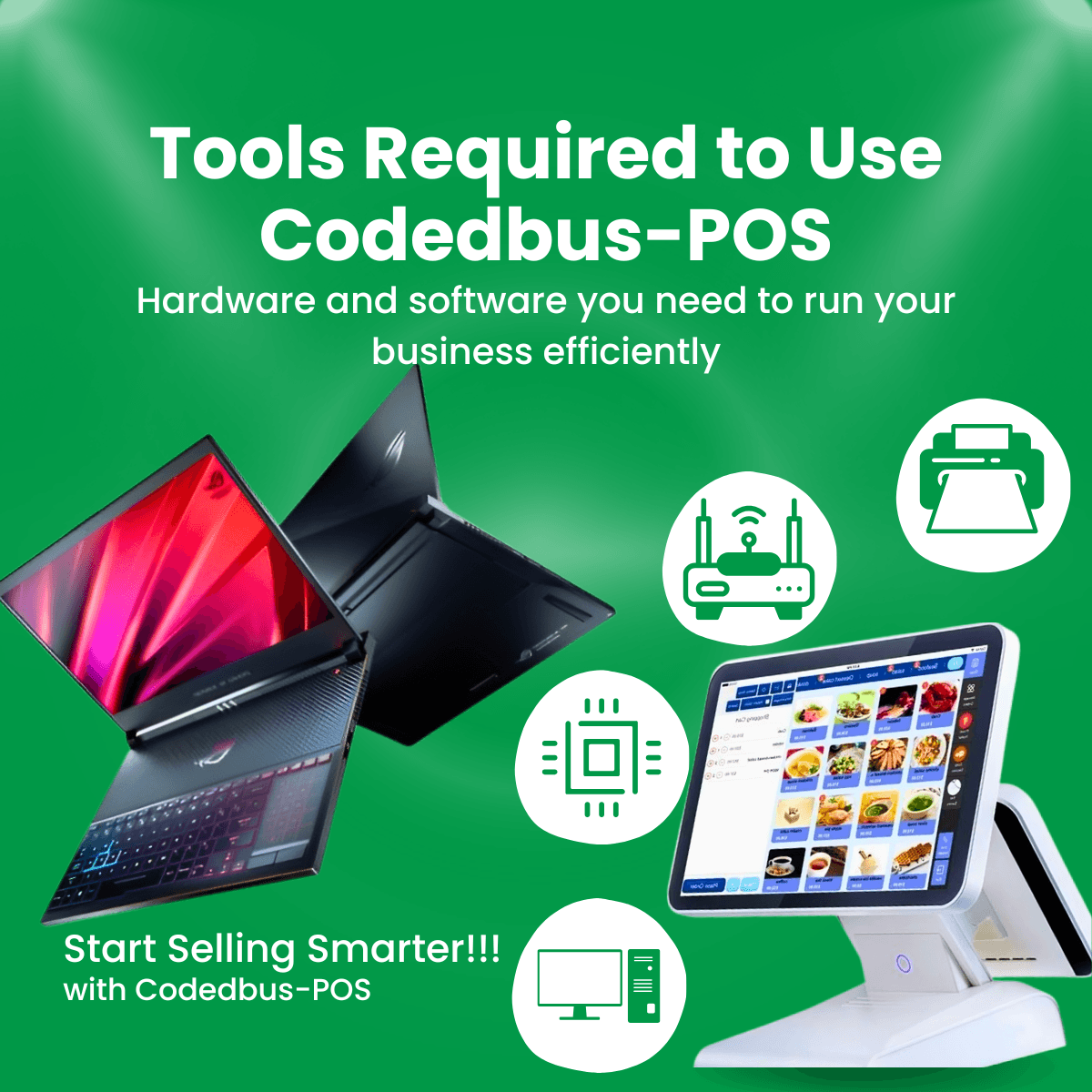
In the advent of modern computer technologies, using the right software with the right hardware is essential for boosting productivity and efficiency. For businesses looking to streamline their sales operations, Codedbus-POS software offers a powerful solution, but to get the best results, you need the proper setup. To use Codedbus-POS effectively, you’ll need a combination of hardware and software. To begin, it's important to understand the basics. A computer is an electronic device that accepts data through input devices such as a keyboard or mouse, processes that data using the Central Processing Unit (CPU), and delivers results either on a screen or through a printer. Every computer system is made up of two key components: 1. Hardware: the physical parts you can touch (e.g., PC, printer, and router) 2. Software: the programs and applications that run on the hardware When paired correctly, these components allow Codedbus-POS software to function smoothly and deliver real-time business insights. ✦ Hardware Requirements To use Codedbus-POS software effectively, different users within the business will need specific hardware setups. 1. For Business Account Owners: - Desktop or laptop (PC) of your choice - Stable internet connection This setup enables business owners to manage backend operations, monitor sales, and oversee sales employee activity from anywhere. 2. For Sales Employees: - Desktop, laptop, or POS computer that meets system requirements - Input devices: mouse and keyboard - Output devices: receipt printer (80mm mini printer) or A4 printer - Working internet connection This setup ensures that sales employees can process sales transactions, print receipts, and serve customers efficiently. ✦ Software Requirements Alongside the hardware, users will need to install the appropriate software to run Codedbus-POS smoothly. 1. For Business Account Owners: - Codedbus-POS Software 2. For Sales Employees: - Codedbus-POS Software - Word Processing Applications These applications support reporting, documentation, and other day-to-day tasks that complement POS operations. ✦ Why Choose Codedbus-POS Software? Codedbus-POS software is more than just a point-of-sale system; it is a complete business management tool. With the right hardware and software in place, you’ll be able to: 1. Track inventory in real time 2. Monitor employee performance 3. Process sales quickly and accurately 4. Generate reports and manage records effortlessly Whether you’re a small business owner or managing a team of sales employees, Codedbus-POS software helps you run your business smarter, faster, and more efficiently.
Download Codedbus-POS software